Welcome, Oakland travelers!

Enjoy free ebooks, audiobooks, and magazines wherever your travels take you—courtesy of Oakland Public Library.
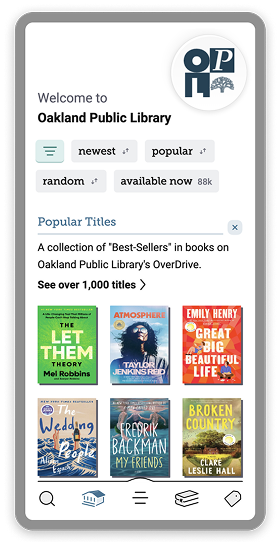
Step 1: Get Libby
Download the Libby app and add Oakland Public Library.


Step 2: Sign into Libby
If you already have a library card, select Sign In With My Card and use your card number to sign in.
– OR –
If you don’t have a card, select I Would Like A Card and use your phone number to create a digital card instantly.
Step 3: Start borrowing
Borrow free ebooks, audiobooks, and magazines and enjoy them anywhere, anytime, right on your device.
Step 1: Get Libby
Download the Libby app and add Oakland Public Library.
Step 2: Sign into Libby
First, select I Would Like A Card. Then, enter your phone number and the security code that’s texted to your device. Complete your contact information and enter the campaign code: PalmTreePageTurners
Your login will be valid for 7 days.
Step 3: Start borrowing
Borrow free ebooks, audiobooks and magazines and enjoy them anywhere, right on your device.
All titles you borrow will be available for 7-21 days.

-
Get started with Libby today. Download the app for free.
-
-
-
Have a Kindle Fire tablet? Learn how to install Libby.
-


-
Brought to you by The Oakland Public Library, and built with 💕 by OverDrive in Cleveland, Ohio, USA.
© OverDrive, Inc. All Rights Reserved. Privacy Policy Cookie settings

