Welcome, San José travelers!

Enjoy free eBooks and audiobooks wherever your travels take you—courtesy of San José Public Library.
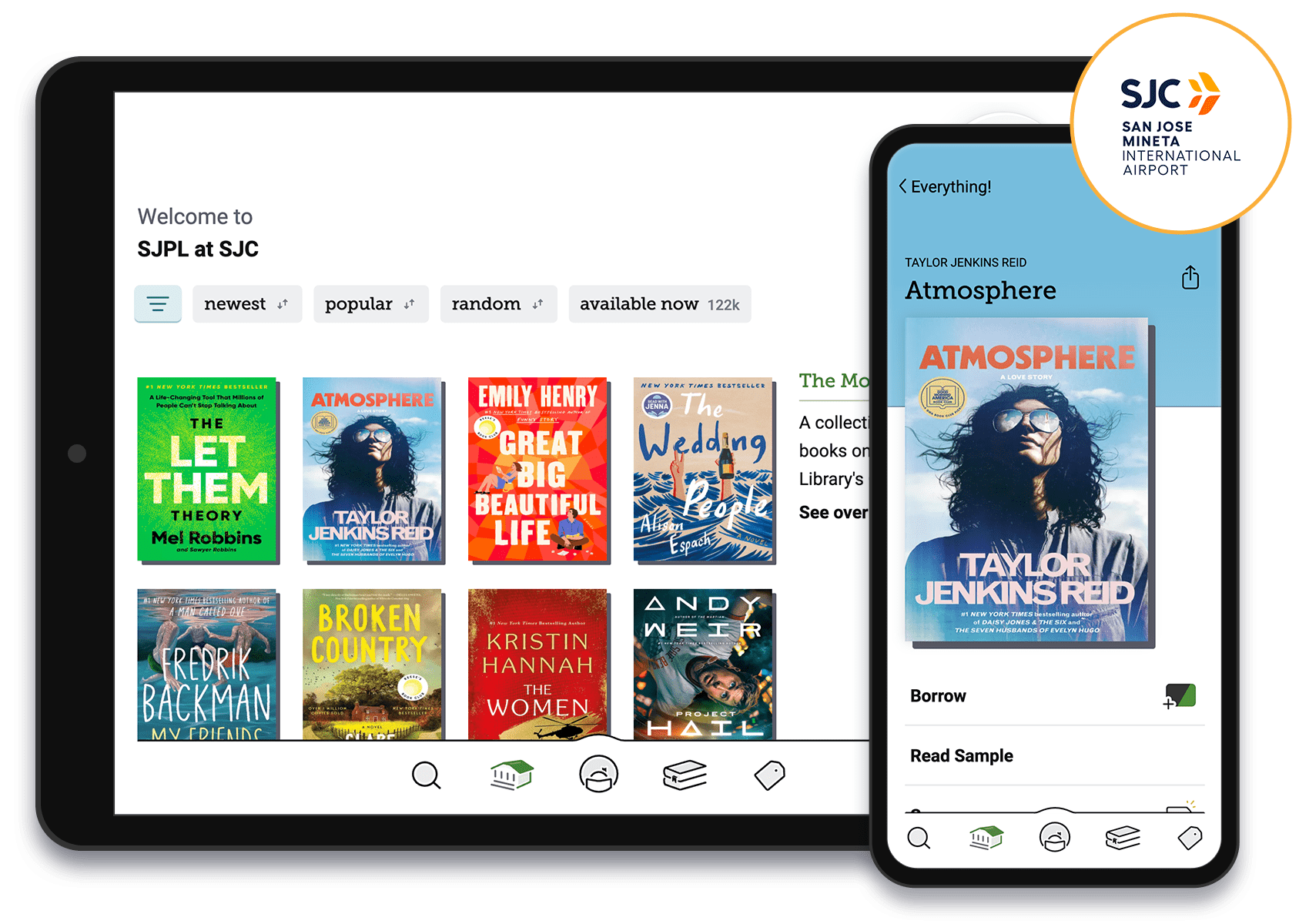
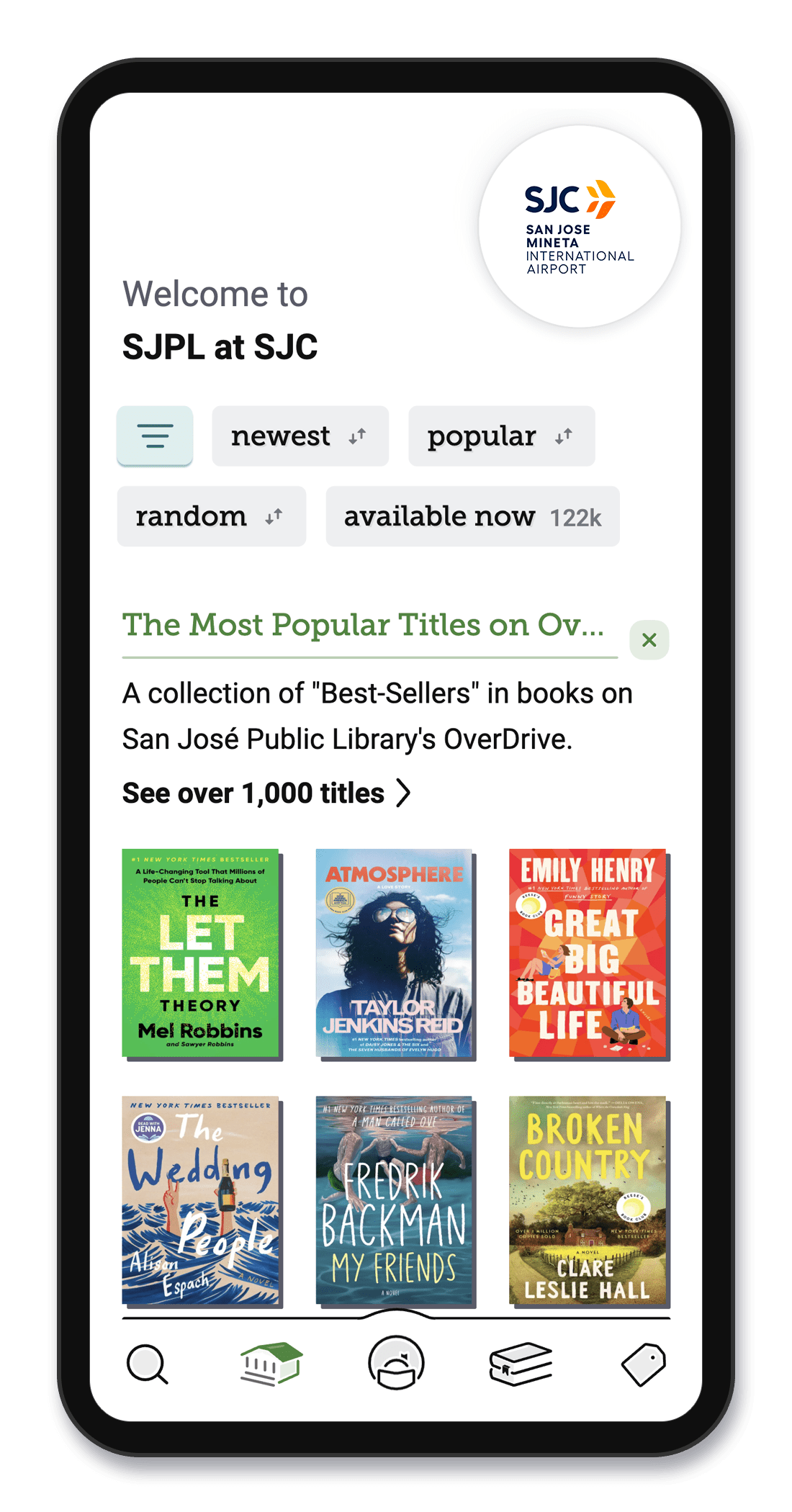
Start Reading with Libby!
Available to everyone. No library card required.
Step 1: Get Libby
Download the Libby app and add this library: SJPL at SJC.


Step 2: Find Your Library
- Select “I Would Like Access”
- Enter your phone number and security code that’s sent to your device
- Enter your contact information and this campaign code “sjprosepassport“
Step 3: Start borrowing
- Borrow eBooks and audiobooks and enjoy them anywhere, right on your device.
- Your login and all items borrowed will be good for 14 days.
What if I Already Have a San José Public Library Card?
All you’ll have to do is add, “San José Public Library”, enter your card and PIN to borrow items. No additional steps required.
Travelers, rejoice! SJPL has everything you need.
Visiting from out of town? SJPL offers free high-speed Wi-Fi, public computers, charging stations, printers, free programs and events, and welcoming spaces to rest, work, or plan your next stop. For a location near you, visit sjpl.org/locations.

-
Get started with Libby today. Download the app for free.
-
-
-
Have a Kindle Fire tablet? Learn how to install Libby.
-


-
Brought to you by your local library, and built with 💕 by OverDrive in Cleveland, Ohio, USA.
© OverDrive, Inc. All Rights Reserved. Privacy Policy Cookie settings

