Read anytime, anywhere—Miami-Dade County students have round-the-clock access to their digital library!
Meet Sora, the student reading app.
Introducing Sora, the cutting-edge student reading platform, proudly serving as Miami-Dade County Public School District’s premier gateway to an extensive collection of ebooks and audiobooks, exclusively curated for students. With just a simple device (phone, tablet, or PC) and a reliable wifi or cellular connection, the world of literary exploration is at your fingertips.
Enjoy the convenience of borrowing books effortlessly, and once they’re in your possession, they remain accessible even when offline, ensuring uninterrupted reading pleasure. Let’s embark on this literary journey today!

Miami-Dade County Schools + Sora Getting Started Guide
Read in Sora
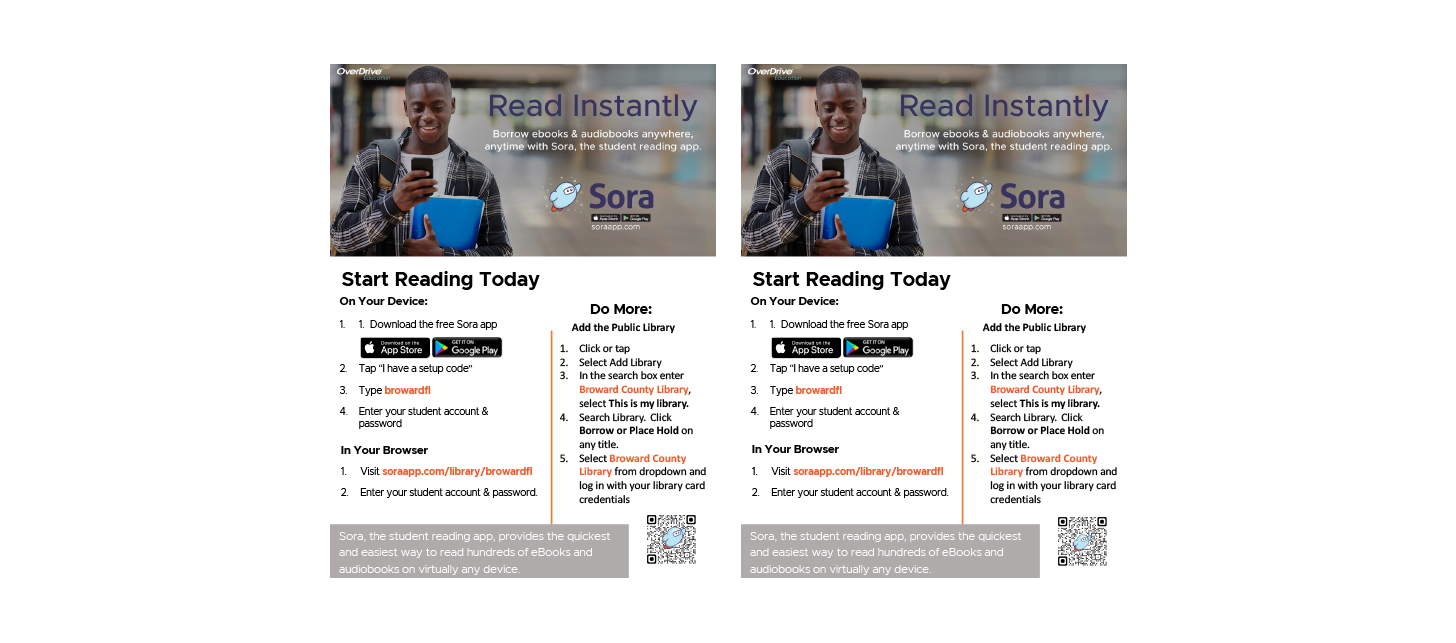
- Sign into the Miami-Dade County Schools digital library.
Via the browser:
Go to https://soraapp.com/library/dadeschoolsOn your personal tablet or phone:
Download the app from the Google Play Store or Apple App Store. - Search for Miami-Dade Public Schools or enter your ZIP code, or click the “I have a setup Code” button. Setup code: dadeschools
- Select “Sign in using Miami-Dade County Public School District”
- Sign in with your SSO.

Start reading!

Sora at Home – Student & Family Resources
Learning Hub – Getting Started with Sora
Reading Goals
Informational Handouts & Info sheets for students & families
Using Sora is easy!
Log in with your SSO

Borrow a title

Explore Sora Features


Happy Reading!


Brought to you by your school, and built with ❤ by OverDrive.