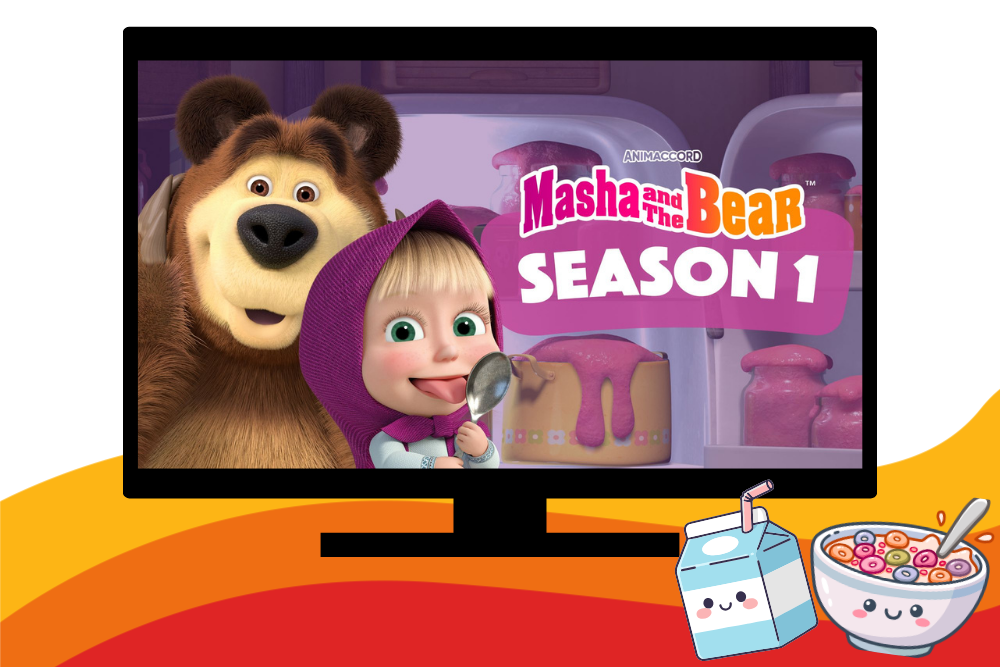
How one library turned Kanopy Kids into a morning routine (and how you can too)
Streaming prices keep climbing, and when they do, Kanopy Kids titles see an increase in plays, a sign that families are actively looking for alternatives their library already provides. But sometimes providing access alone isn’t enough. The good news: turning a collection into a program takes less setup than you’d think.
See how Boulder Public Library built a program called Kanopy Kids Cartoons and Cereal, one your library can run too.
Kanopy Kids Cartoons and Cereal
The idea is simple: ease into the day by watching cartoons and eating cereal. Boulder Public Library runs their program in an underused meeting room attached to the library’s children’s area, timed specifically to no-school days or days with late starts, when families need somewhere to be and kids need something dependable. After story time, staff make an announcement inviting families to stay a little longer, to enjoy some cereal and milk.
How to Bring Kanopy Kids Cartoons with Cereal to Your Library
Curating the “cartoons.” Look for titles in the Kanopy Kids catalog with Public Performance Rights (PPR). You can further group titles if you are programming based on age, for example ages 2+, 3+, and 5+. We recommend using Common Sense Media to confirm each title is appropriate for each age range. Common Sense Media is a free resource any library can use: type in a title, get a recommended age range.
Closed captions, always on. Not just for accessibility. Captions reinforce early literacy by pairing spoken words with text on screen, adding an early literacy component to each screening and making every session fun and educational.
Seasonal and cultural tie-ins. To keep the program fresh, libraries can screen titles that are relevant during cultural, heritage, or seasonal events. It’s a small addition that turns a recurring program into a calendar-aware one, and it’s a template you can repeat for other observances throughout the year. Search Kanopy Kids by theme, confirm age-fit on Common Sense Media, and slot it into your next session.
The perks of the program: cereal. The cereal is optional, but it can be an easy add to give families a reason to stay after a screening. Individual servings keep storage and set up easy. It also serves a second purpose: for kids who rely on school breakfast, having food available on non-school days means one less thing families have to plan around. You can encourage families to bring their own single-serving cereal boxes or even ask patrons to donate for future programs, a great way to keep the program self-sustaining.
Programming Ideas by Age to Get you Started:
Ages 2+ (Toddler Time)
- Pair a Vooks read-along with a physical copy of the same title from your collection for a print-to-screen literacy connection
- Use the Low Stimulation Collection for a sensory-friendly hour or calm-down corner
- Keep episodes short. Under 10 minutes matters more than theme at this age.
Ages 3+ (Preschool)
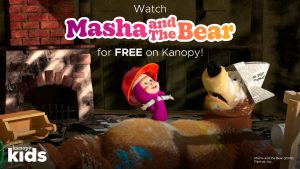
- Run a Masha and the Bear screening block. Episodes are PPR-cleared and under 10 minutes, so they fit into any program slot, with time left for a follow-up craft
- If your community serves multilingual families, Masha and the Bear is available in multiple languages. Confirm current language availability for your region using search filters, or reach out to your Kanopy account manager to confirm.
Ages 5+ (Early Elementary)
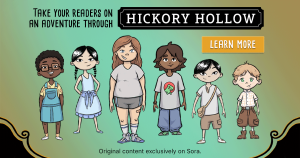
- Build a series around Hickory Hollow: watch an episode, then follow it with a scavenger hunt, riddle challenge, or creative writing prompt tied to that episode’s mystery
- A recurring “watch and solve” format gives families a reason to come back week after week
Early Literacy Connections
- Slot a Vooks title into your existing story time as a digital read-aloud, then close with the title’s downloadable activity sheet or discussion questions, available through the Kanopy platform. Each Vooks title features activity sheets you can download, print, and hand out to your patrons to take home, a great way to provide families with take-home materials and promote Kanopy Kids.
- Make captions the default setting for any group screening, not just for accessibility, but as a literacy practice
- Send families home with a toolkit bookmark and a short list of suggested titles at checkout or after story time
Other Toolkits to Use to Promote Kanopy Kids
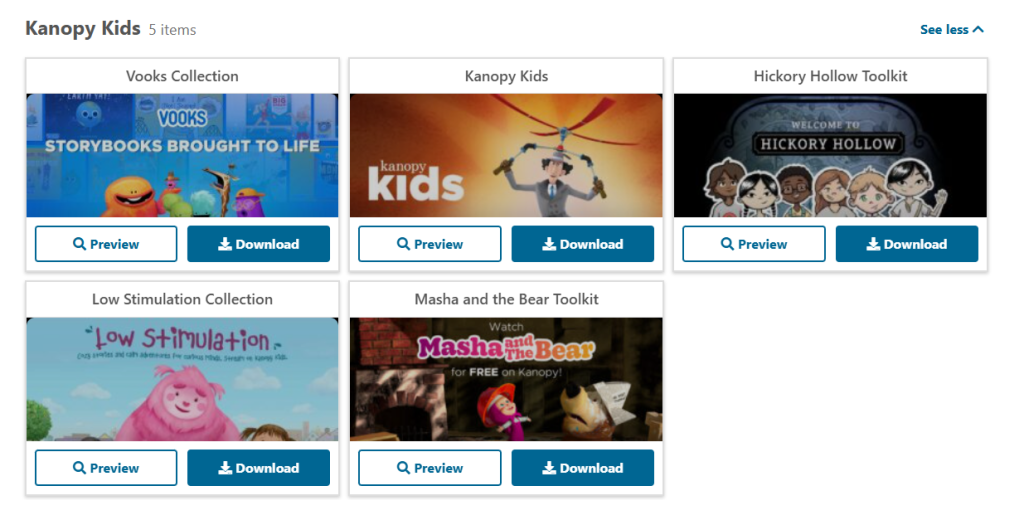 You don’t have to build any of this from scratch. Marketing toolkits are already live on the US and Canadian Resource Center pages, each with social media copy, newsletter blurbs, flyers, and digital assets ready to customize:
- General Kanopy Kids toolkit (United States and Canada)
- Great for promoting kid-friendly, unlimited streaming to your patrons
- Masha and the Bear toolkit (United States and Canada)
- Promote the worldwide loved and adored series to your patrons with this toolkit
- Hickory Hollow toolkit (United States and Canada)
- Featuring social media graphics, programming ideas, and more to promote Hickory Hollow to your community
- Low Stimulation Collection toolkit (United States and Canada)
- Content meant to soothe, relax, and educate kids, a great resource for families looking for more meaningful and beneficial screen time
- PBS Kids toolkit (United States, under the PBS Marketing))
- Patron favorites your patrons will recognize and trust
Most of the Kanopy Kids toolkits and Kanopy toolkits feature print materials you can use to promote Kanopy to your patrons. Printing bookmarks and having them on hand at your events is a great way to encourage patrons to use their library card and Kanopy account to stream unlimited titles in Kanopy Kids.
Try It Yourself
Start with one event. Screen a few age-appropriate, PPR-cleared titles, put out something simple to eat, and use the moment to introduce Kanopy to anyone in the room who hasn’t tried it. The unlimited nature of Kanopy Kids means you can run it as often as it makes sense for your space, without watching a ticket count.
Want more Kanopy Kids programming ideas? Check out our Bring Kanopy Kids to Life in Your Library blog post! Need programming ideas for all ages? Check out our Using Kanopy for your libraries’ programming events blog post.
Don’t have Kanopy Kids? Learn more about adding this collection to your library.